
News & Insights
Best AI Chatbot For Websites: 8 Tools Compared & When To Build Custom
On Digitals
03/07/2026
23
An AI chatbot for websites can answer support questions and guide users to the right service or product, then hand difficult conversations to your team. Further than always being the tool with the most AI features, the best option is the one that fits your website platform and budget as usage grows.
Quick Learning
Different types of chatbot bring different advantages. If your website knowledge is simple and you also require fast setup, a no-code AI chatbot would be a perfect one. A CRM or help-desk chatbot, meanwhile, would be highly efficient when your business already has HubSpot, Intercom or similar systems.
Some benchmarking you could bear in mind:
- SiteGPT – Best overall for simple website knowledge
- Intercom Fin – Best for support teams
- Tidio Lyro – Best for smaller ecommerce teams
- HubSpot Breeze Customer Agent – Best for CRM-led businesses
Only think of building a custom system when the situation is complex. In other words, if your chatbot needs authenticated workflows, stronger security controls, or a branded experience that a standard widget cannot provide.
What does an AI chatbot for websites actually do?
An AI chatbot for a website is a conversational interface that answers visitor questions using a language model and website information. It differs from a traditional scripted chatbot because users can ask questions naturally instead of choosing only from fixed buttons or pre-written flows.
In fact, a basic chatbot may direct visitors to take an action based on available information, while a more advanced chatbot can capture information and transfer a conversation to a live agent.
The important distinction is between a generic AI assistant and a chatbot trained on your own information. A useful website chatbot should answer from approved internal knowledge. Otherwise, it may sound helpful while giving vague or unsupported answers.
Currently, some tools call this training, while others call it knowledge sources, AI agent setup, or retrieval. The label matters less than the practical question: Can the chatbot use your current content and avoid inventing details when information is missing?
The best AI chatbot tools for websites
8 platforms below are widely considered options across website support, CRM, live chat, and no-code chatbot workflows.
| Tool | Best for | AI approach | Uses your content? | Pricing model to check | Human handoff |
| ChatBot by Text | Small teams wanting chat, help desk and AI in one tool | AI agent + visual workflows | Yes | Per seat, with included AI resolutions | Yes |
| Intercom Fin | Mature support teams and SaaS support | AI customer agent | Yes | Per seat plus per outcome | Yes |
| Tidio Lyro | Smaller ecommerce and support teams | AI support agent | Yes | Conversation and AI usage tiers | Yes |
| Crisp | Teams wanting omnichannel support in one workspace | AI workflows and support agent | Yes | Flat workspace pricing plus AI usage | Yes |
| SiteGPT | Fast website-content chatbot deployment | Website-trained AI chatbot | Yes | Flat message quota | Yes |
| Landbot | Lead qualification, visual flows and WhatsApp | No-code AI agent and workflows | Yes | Chat-volume and plan-based pricing | Yes |
| HubSpot Breeze Customer Agent | HubSpot CRM users | CRM-connected customer agent | Yes | Per resolved conversation via credits | Yes |
| Zoho SalesIQ Zobot | Zoho ecosystem and live-chat-first teams | Rule-based, AI and programmable bots | Yes | Per operator / plan | Yes |
The biggest mistake is selecting a platform purely because it says AI chatbot. Most tools can generate a widget and reply to simple questions. The differences emerge when your standard requirements gradually increase.
ChatBot by Text – Best for small teams
ChatBot by Text combines:
- AI chatbot features
- Live chat
- Ticketing
- Workflows
- Help-desk functionality
It’s a sensible option for smaller businesses that don’t want separate tools for a chat widget and basic automation.
Its pricing starts at $19 per user per month on annual billing. The entry plan includes 10 AI agent resolutions, while larger plans include more.
Extra AI resolutions cost $0.99 each or can be purchased in packs. The platform also offers direct WordPress and Shopify integrations, which makes it practical for businesses that want a relatively simple rollout.
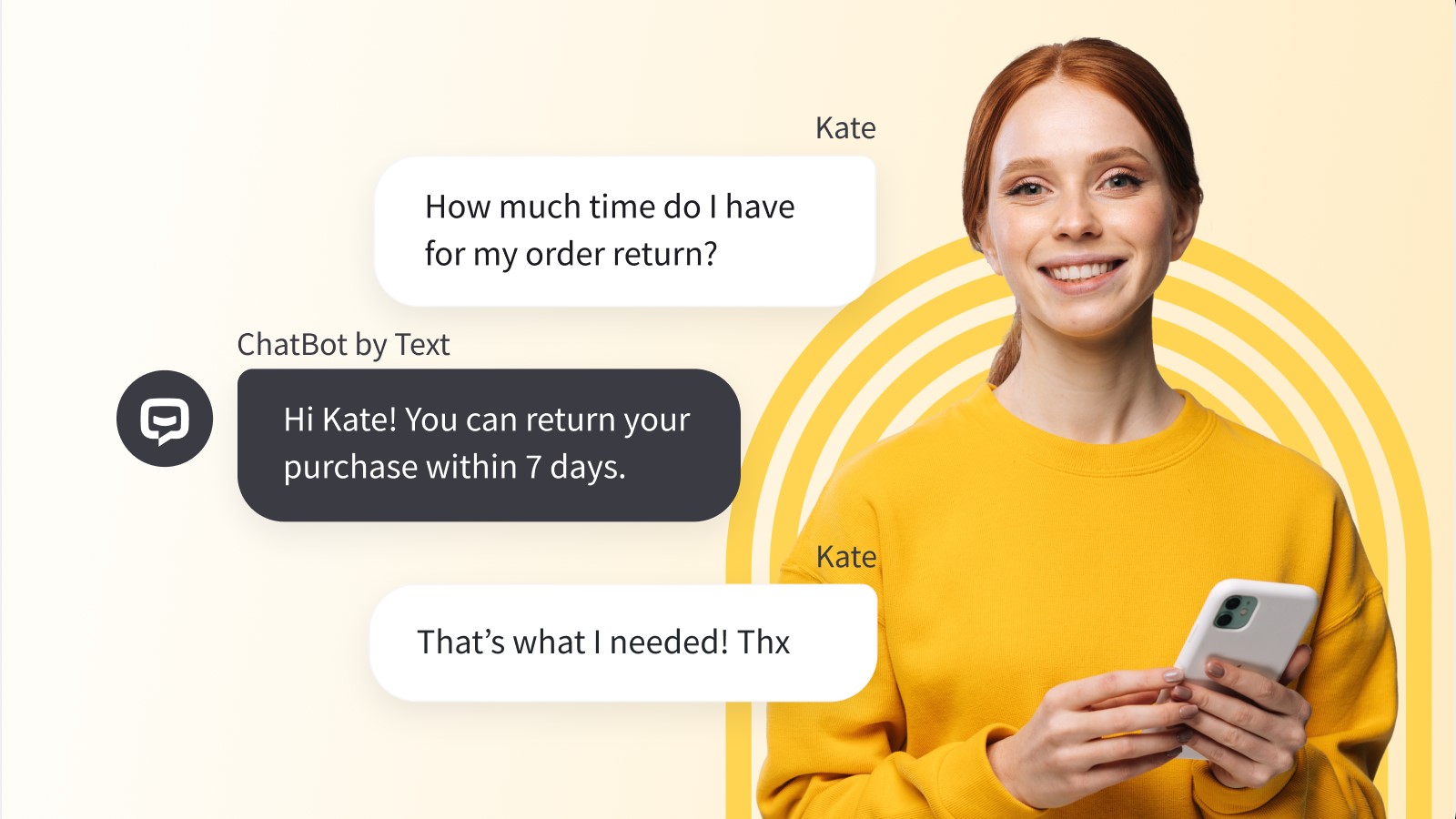
Businesses can choose ChatBot by Text when you need standard support and live-chat handoff in one place. However, this tool is less suitable when your chatbot needs highly custom data permissions or a completely bespoke frontend experience.
Intercom Fin – Best for support operations
Intercom Fin is designed for businesses that already have:
- a meaningful support volume
- a help centre
- internal support processes
- agents who need to work alongside AI
This chatbot can answer customer questions, hand conversations to human teams, and support channels beyond the website widget.
Intercom’s public pricing combines a per-seat support plan with a usage charge of $0.99 per Fin outcome. Its Essential plan starts at $29 per seat per month, while Advanced and Expert plans cost more.
An outcome is counted when a customer confirms resolution, stops asking for more help after Fin responds.
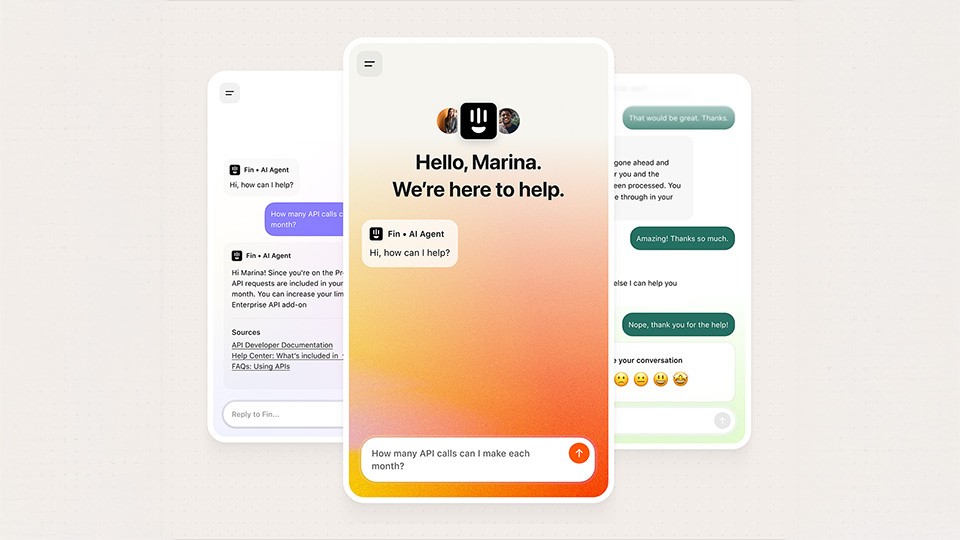
Intercom is often a strong fit for SaaS businesses and companies with established customer-service operations. However, buyers should model the full monthly cost carefully because AI usage rises with successful resolutions.
Tidio Lyro – Best for smaller ecommerce
Tidio combines:
- live chat
- ticketing
- automated flows
- Lyro AI Agent
Tidio is useful for smaller businesses that need faster support automation without moving immediately into a heavier enterprise help-desk platform.
Tidio’s Starter plan begins at approximately $24.17 per month for 100 billable conversations. Besides, you can purchase from $32.50 per month for 50 AI conversations, with higher tiers based on usage.
Tidio also promotes human handoff and standalone AI-agent access.
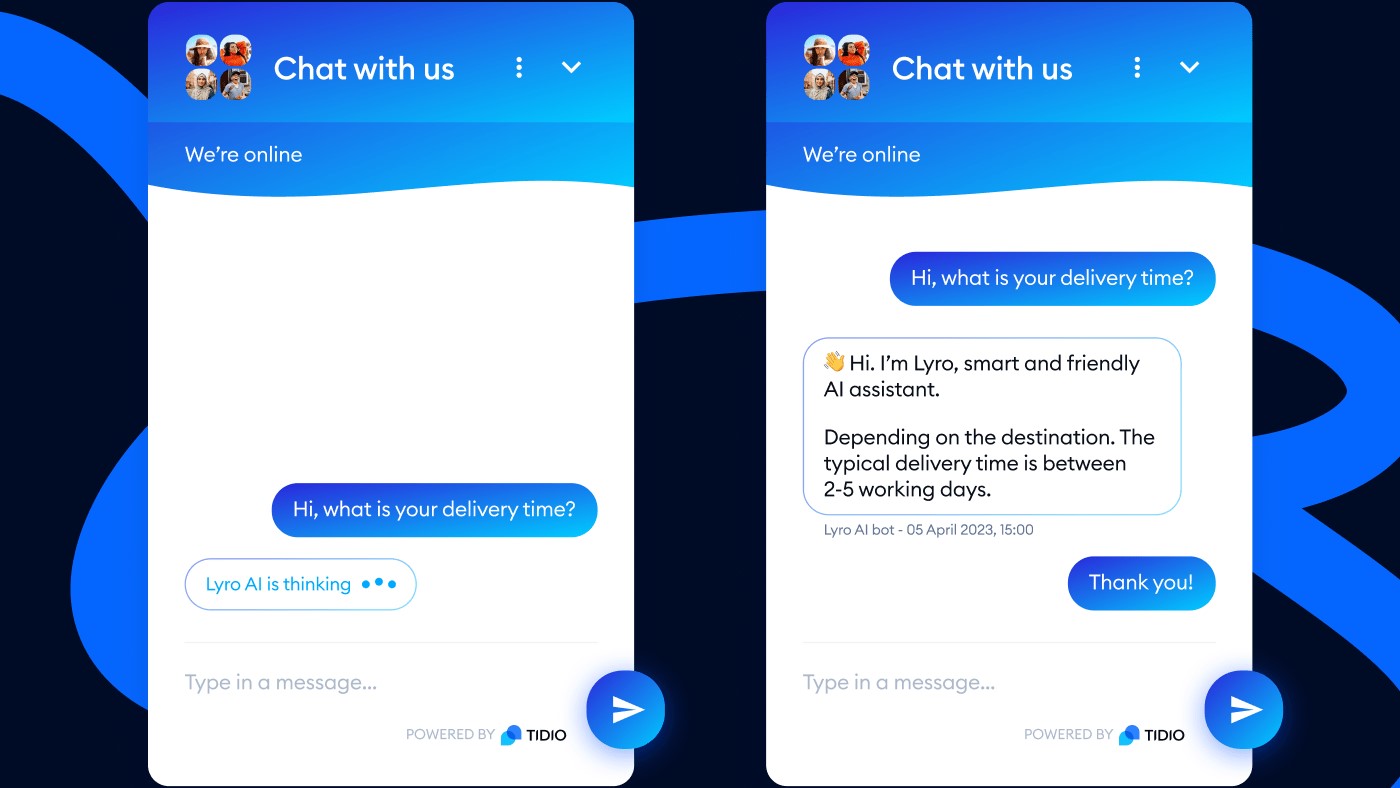
Tidio is worth considering for stores and service businesses that need FAQ automation or lead collection. It is particularly useful when the chatbot should work alongside live chat rather than replace it entirely.
Crisp – Best for predictable workspace pricing
Crisp is an omnichannel customer-support platform that combines:
- shared inboxes
- live chat
- CRM functions
- chatbot workflows
- AI support capabilities
Its positioning is different from per-resolution products because it emphasises flat workspace pricing rather than billing by individual conversation volume.
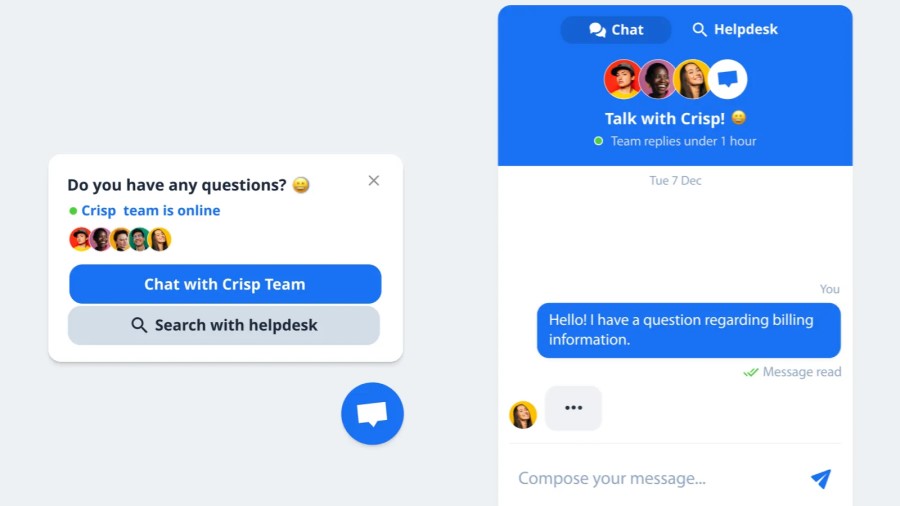
Crisp says its pricing is based on a consistent workspace rate regardless of the number of conversations handled each month. Its AI offering can use:
- help-centre content
- prior conversations
- website pages
- internal documents
- handoff rules to support customer-service workflows
This can make Crisp attractive for teams that want budget predictability and an all-in-one support workspace. Buyers should still check how AI credits, integrations, channel limits, and advanced features are packaged at their expected usage level.
SiteGPT – Best for fast website-content chatbot deployment
SiteGPT is focused on turning several elements into a customer-facing AI chatbot, including:
- website pages
- sitemaps
- documents
- other content source
It is particularly relevant for businesses that want a chatbot trained on their public website without building a full support stack from scratch.
Its Starter plan costs $39 per month and includes one chatbot, up to 4,000 messages per month, and up to 1,000 pages. The Growth plan costs $79 per month and includes two chatbots, up to 10,000 messages, API access, integrations, rate limiting, and monthly automatic refresh.
SiteGPT also supports content syncing, human escalation, and more than 95 languages. SiteGPT is a good shortlist option for:
- content-heavy marketing sites
- documentation websites
- agencies managing smaller client sites
- companies that want quick website knowledge retrieval
It may not be enough on its own when the chatbot needs complex authenticated workflows, custom business logic, or direct access to sensitive systems.
Landbot – Best for visual lead-generation
Landbot is a no-code platform built around:
- visual conversation flows
- lead qualification
- WhatsApp automation
- website chat
- AI-agent capabilities
It is particularly useful when marketing and sales teams want to design guided conversations without relying entirely on developers.
Landbot supports:
- website and WhatsApp chatbot deployment
- human takeover rules
- integrations
- webhooks
- AI agents that work inside visual flows
Its website plans include different chat quotas, while extra chats and AI chat limits vary by plan. The public pricing page shows Pro pricing from €80 per month when billed annually, with additional charges for certain usage tiers.
Choose Landbot when lead capture and WhatsApp journeys matter more than deep help-desk automation. It works best when your conversation can be designed as a clear journey rather than an open-ended support system.
HubSpot Breeze Customer Agent – Best for HubSpot CRM users
HubSpot Breeze Customer Agent is designed for businesses already using HubSpot’s CRM, service tools, sales workflows, and content ecosystem. Its main advantage is that it can work from the same customer and business data already used by marketing, sales, and service teams.
HubSpot says the Customer Agent can respond to customer questions in real time, route complex conversations to humans, and use existing content to support answers. Its public pricing is $0.50 per resolved conversation through HubSpot Credits.
This is a logical choice when HubSpot is already central to your customer journey. For businesses outside the HubSpot ecosystem, the total cost and implementation effort may be harder to justify than a standalone chatbot platform.
Zoho SalesIQ Zobot – Best for businesses using Zoho
Zoho SalesIQ combines live chat, visitor tracking, sales engagement, and chatbot tools. Its Zobot builder supports codeless chatbot creation, programmable bots, and AI-powered chat experiences for businesses that need a closer connection to the wider Zoho ecosystem.
Zoho positions Zobot as a website chatbot builder for customer conversations, lead handling, and support automation. SalesIQ offers a free plan with three operator licences, while paid plans are priced per operator. It also supports direct JavaScript embedding for websites, multilingual live-chat features, and AI-assisted customer interactions.
Zoho SalesIQ is a strong consideration for companies already using Zoho CRM, Zoho Desk, Zoho Campaigns, or other Zoho products. It may feel less attractive for teams that only need a simple AI website widget with minimal operational setup.
What should you actually look for when choosing an AI chatbot?
The best AI chatbot for websites depends less on its welcome message or animated widget than on five practical factors:
- source accuracy
- pricing model
- integration depth
- handoff quality
- control over data
1. Can it answer from approved content?
Ask whether the chatbot can use your website, help centre, product catalogue, PDFs, structured FAQs, and internal documentation. Then ask how it handles conflicting or outdated sources.
A chatbot should be able to say it cannot verify an answer. It should not confidently invent delivery dates, service conditions, policy exceptions, prices, stock information, or legal commitments.
2. How does pricing change with volume?
Some tools charge per agent seat. Others charge per conversation, message, outcome, resolution, credit, or workspace. Each model can be reasonable, but they behave very differently as support traffic increases.
Do not compare a $39 flat plan with a $0.99-per-outcome plan based only on the starting price. Estimate what happens at your expected monthly chat volume, expected resolution rate, number of support agents, language requirements, and integration needs.
3. Does it fit your existing platform?
A WordPress marketing site may only need an embed script and a chatbot trained on public pages. A Shopify store may need product data, order tracking, inventory context, and return-policy logic. A SaaS platform may need user authentication, in-app context, account permissions, and ticket escalation.
The closer the chatbot sits to customer data or account actions, the more important custom integration, identity management, and permission controls become.
4. Can users reach a human easily?
A chatbot should reduce effort, not create a dead end. Check whether users can ask for a person, whether agents receive the previous conversation, and whether the tool can route requests based on urgency, language, sentiment, product type, or lead value.
5. How does it manage AI and security risk?
No chatbot tool removes responsibility from the business using it. OWASP lists prompt injection as LLM01 in its 2025 Top 10 for LLM applications. The risk occurs when untrusted input manipulates the model’s behaviour or bypasses expected controls.
Before connecting a chatbot to CRM records, refunds, order management, customer accounts, or email workflows, confirm that permissions are limited, high-risk actions require approval, logs are retained, and the chatbot cannot expose private information just because a visitor asks persuasively.
The pricing trap
The pricing trap is that many teams budget for the entry plan, then fail to model what happens after the chatbot begins resolving more conversations.
There are four common pricing models:
| Pricing model | How it works | Useful when | Main risk |
| Per seat | Pay for each support or sales user | Small teams with stable headcount | AI features may be extra |
| Per message or conversation | Pay based on usage volume | Low-volume testing and variable demand | Busy campaigns increase costs |
| Per resolution or outcome | Pay when AI resolves a request | Teams focused on measurable automation | Higher AI success can increase spend |
| Flat workspace or quota | Fixed monthly plan with usage limits | Predictable workloads | Overage or model limits may apply |
Intercom Fin charges $0.99 per outcome. Therefore, 1,000 qualifying outcomes equal $990 in usage fees, while 5,000 outcomes equal $4,950 before any seat charges.
HubSpot lists Breeze Customer Agent at $0.50 per resolved conversation, meaning the same 5,000 resolved conversations would equal $2,500 in usage charges.
That doesn’t mean those platforms are automatically expensive or poor value. If a system resolves complicated problems, usage pricing may be commercially sensible.
However, buyers should separate three metrics:
- Chats started: Every visitor conversation.
- AI answers sent: The number of replies generated.
- Resolved outcomes: Conversations the vendor counts as successfully handled.
These aren’t interchangeable. SiteGPT’s $79 Growth plan, for example, includes a quota of up to 10,000 messages, but the platform notes that both the visitor question and AI response count as messages. It should not be compared directly with 10,000 resolved support outcomes.
Which AI chatbot is best for your website platform?
Best AI chatbot for WordPress
For a WordPress marketing site, start with a tool that can
- crawl approved pages
- refresh content
- support simple embed installation
- hand off to a person
SiteGPT and ChatBot by Text are practical shortlist options because both support content-trained bots and WordPress deployment options.
A custom build becomes more relevant when the WordPress site is only the public layer for internal data or custom lead-routing logic.
Best AI chatbot for Shopify or ecommerce
As for ecommerce, the chatbot should understand:
- product content
- stock rules
- shipping
- returns
- discount conditions
- order support
Tidio is a useful entry-level option for stores that need AI support alongside live chat. Intercom and HubSpot become more relevant when the business has larger support operations, CRM workflows, or multi-channel customer journeys.
Best AI chatbot for Webflow, React, or headless sites
Webflow, React, and headless websites can usually embed most chatbot tools through JavaScript. The bigger question is whether the chatbot needs to understand authenticated user state or product usage.
If your website is a simple marketing one, SiteGPT, Landbot, or a CRM-native tool may be enough. Otherwise, as for SaaS applications, customer portals, or headless ecommerce, a custom backend and controlled API integrations often provide better security and user experience.
Best AI chatbot for a SaaS website
SaaS businesses usually need more than FAQ automation. They need:
- product documentation
- account-aware support
- ticket escalation
- onboarding guidance
- feature education
- sometimes in-app actions
Therefore, Intercom Fin is often a strong fit when the business already has structured support operations, while HubSpot Breeze is more compelling when the organisation is already invested in HubSpot CRM.
A custom build becomes relevant when the chatbot must retrieve internal product data, respect tenant permissions, or trigger proprietary workflows.
When should you build your own chatbot?
No-code and SaaS chatbot tools are usually the right choice when the main goal is answering common questions from public content or handing chats to an existing support team.
A custom chatbot becomes worth considering when the business needs one or more of the following:
- Private or authenticated knowledge retrieval
- Multiple data sources with different access rules
- CRM, ERP, inventory, booking, or account integrations
- Custom lead-scoring and qualification logic
- Brand-specific interface and user journey design
- Strong security, compliance, or audit requirements
- Multi-language content governance
- High chat volume where vendor pricing becomes difficult to predict
- Ownership over analytics, prompts, workflows, and model selection
A custom build doesn’t mean build everything from zero. It may combine:
- a custom frontend
- controlled backend API
- retrieval layer
- vector database
- existing CRM
- help-desk tools
- one or more LLM providers
The difference is control. For example, a no-code tool gives speed and convenience, while a custom solution gives more ownership over data flows and total long-term architecture.
The right decision depends on whether the chatbot is a simple website feature or becoming part of your customer experience infrastructure.
How do you add an AI chatbot to your website?
To add an AI chatbot to your website, start with a narrow use case, prepare the content it needs, configure boundaries and handoff rules, connect only necessary tools, then embed the chat interface.
The embed is usually the easiest part. The harder work is deciding what the chatbot may say, which data it can access, and how you will measure whether it actually helps visitors.
1. Choose the first problem to solve
Start with questions that are frequent, low-risk, and easy to verify. Good first use cases include service FAQs, product guidance, shipping questions, appointment enquiries, documentation navigation, or lead qualification.
Avoid beginning with tasks that involve refunds, cancellations, legal commitments, sensitive account changes, medical advice, financial decisions, or unrestricted access to customer records.
2. Prepare the knowledge base
Review the pages, help-centre articles, PDFs, product data, and internal documents the chatbot will use. Remove outdated policies, duplicate pages, unfinished drafts, expired promotions, and conflicting information.
Each source should have a clear owner. For example, marketing may own service pages, support may own policies, sales may own qualification scripts, and product teams may own technical documentation.
3. Define what the chatbot can and cannot do
Write clear operating rules before you write a welcome message. The chatbot should know when to answer, when to ask for clarification, when to link to a page, and when to transfer the visitor.
Useful boundaries include:
- Do not invent prices, stock, delivery dates, or policy exceptions
- Do not provide legal, medical, or financial advice
- Do not reveal private customer, staff, or system information
- Do not promise discounts, refunds, or service outcomes
- Escalate low-confidence or sensitive queries
- Ask for confirmation before any high-impact action
4. Connect the right systems
A basic chatbot may only need website content and a contact form. A more advanced website chatbot can connect to a CRM, help desk, booking platform, ecommerce catalogue, or account system.
Only connect systems when there is a clear customer outcome. A chatbot does not need unrestricted access to your CRM just because the integration is available. Give it the minimum data and permissions needed for the task.
5. Embed the widget on the website
Most no-code platforms provide a small JavaScript snippet or iframe. You can normally place this through a CMS integration, tag manager, site-wide code-injection area, or theme-level embed.
| Platform | Practical implementation approach |
| WordPress | Use a supported plugin or place the approved script through your theme or code-injection workflow |
| Shopify | Use an app embed or approved theme integration, then test product, cart, and checkout templates |
| Wix | Add the platform’s script through supported custom-code settings or a native app integration |
| Squarespace | Use the platform’s code-injection or embedded-code option, then test mobile behaviour and page templates |
Don’t assume the chatbot must appear on every page. You may want it on service pages, pricing pages, product pages, documentation, and support content, while excluding checkout, payment, legal, campaign landing pages, or sensitive account flows.
6. Test before launch
Test the chatbot with normal questions, vague questions, hostile prompts, spelling errors, competing policy requests, and questions that should trigger a human handoff.
Create a small evaluation set from real support tickets, sales-call notes, on-site search data, and customer emails. Review not only whether the answer sounds fluent, but whether it is correct, supported by a source, commercially appropriate, and safe.
What results should you expect from an AI chatbot?
A chatbot should be measured against customer outcomes, not only the number of conversations it starts. Useful metrics include qualified leads generated, support deflection, first-contact resolution, handoff quality, source-page clicks, booking completion, repeat-contact rate, customer satisfaction, and incorrect-answer rate.
Research on AI-assisted support suggests that AI can improve human-agent productivity. Brynjolfsson, Li, and Raymond found that access to a conversational AI assistant increased issues resolved per hour by 15% on average in a study of 5,172 customer-support agents. The largest gains were among less-skilled and less-experienced workers.
That doesn’t mean a website chatbot will deliver a 15% business improvement. It does support the broader principle that the strongest model is often hybrid: AI handles repeatable questions, while people handle exceptions, risk, commercial judgment, and emotionally sensitive conversations.
Frequently Asked Questions (FAQs)
What is the best AI chatbot for websites?
The best AI chatbot depends on your website and existing systems. SiteGPT is useful for fast website-content training. Intercom Fin is strong for mature support teams. Tidio suits smaller support and ecommerce teams. HubSpot Breeze makes sense for HubSpot users. A custom chatbot is better when you need proprietary data, authenticated users, complex workflows, or stronger control over security and user experience.
How much does an AI chatbot for websites cost?
Costs range from free trials and low-cost plans to enterprise contracts and custom builds. Current examples include ChatBot by Text from $19 per user per month, SiteGPT from $39 per month, Tidio Lyro from $32.50 per month for 50 AI conversations, Intercom Fin at $0.99 per outcome plus seats, and HubSpot Breeze at $0.50 per resolved conversation.
Is there a free AI chatbot for websites?
Several platforms offer free trials or limited free plans. Tidio includes a free tier with limited billable conversations and a one-time quota of Lyro AI conversations. Zoho SalesIQ also offers a free plan with three operator licences. Free access is useful for testing, but usually has limits on conversation volume, AI usage, automation, integrations, branding, or support features.
Can I add an AI chatbot to WordPress or Shopify?
Yes. Many chatbot platforms provide plugins, app integrations, JavaScript snippets, or iframe embeds for WordPress and Shopify. The technical embed is usually straightforward. The more important work is choosing approved source content, setting boundaries, configuring human handoff, and testing answers against real customer questions.
Should I use a chatbot tool or build a custom chatbot?
Use a tool when you need standard FAQ automation, lead capture, support routing, or a quick website launch. Build custom when the chatbot needs your own CRM, customer accounts, product systems, internal documents, booking tools, complex permissions, unique workflows, or a fully branded experience.
Is my website data safe in an AI chatbot?
Safety depends on the platform, setup, permissions, and data sources. Before connecting a chatbot to private systems, check data processing terms, access controls, encryption, retention rules, logging, prompt-injection protections, and approval flows for high-risk actions. Never assume a chatbot is safe simply because it can crawl your website.
NEWEST POSTS
- AI Chatbot For Ecommerce: How to Choose, Launch and Scale in 2026
- Best AI Chatbot For Websites: 8 Tools Compared & When To Build Custom
- AI Chatbot Development: Process, Cost & What Actually Ships
- Chatbot vs Live Chat: Which Is Right for Your Business?
- How to Build And Integrate A RAG Chatbot Into Your Website
Read more
Tell us about your business challenge and get a tailored consultation today.